


 အာမၢးဒးစိုပ္ ေကတ္မၢးဒးဂြံ ေကၜာန္မၢးဒးဒွ္ဍာံ


This is default featured post 1 title
Go to Blogger edit html and find these sentences.Now replace these sentences with your own descriptions.This theme is Bloggerized by Lasantha Bandara - Premiumbloggertemplates.com.

This is default featured post 2 title
Go to Blogger edit html and find these sentences.Now replace these sentences with your own descriptions.This theme is Bloggerized by Lasantha Bandara - Premiumbloggertemplates.com.

This is default featured post 3 title
Go to Blogger edit html and find these sentences.Now replace these sentences with your own descriptions.This theme is Bloggerized by Lasantha Bandara - Premiumbloggertemplates.com.

This is default featured post 4 title
Go to Blogger edit html and find these sentences.Now replace these sentences with your own descriptions.This theme is Bloggerized by Lasantha Bandara - Premiumbloggertemplates.com.

This is default featured post 5 title
Go to Blogger edit html and find these sentences.Now replace these sentences with your own descriptions.This theme is Bloggerized by Lasantha Bandara - Premiumbloggertemplates.com.
แสดงบทความที่มีป้ายกำกับ keyboard แสดงบทความทั้งหมด
แสดงบทความที่มีป้ายกำกับ keyboard แสดงบทความทั้งหมด
วันเสาร์ที่ 29 สิงหาคม พ.ศ. 2558


วันจันทร์ที่ 9 มีนาคม พ.ศ. 2558
ဖုန္းမွအသံုးရတာအသင့္ေတာ္ဆံုး Bagan Keyboard 5.9 APK Size(8.6MB)

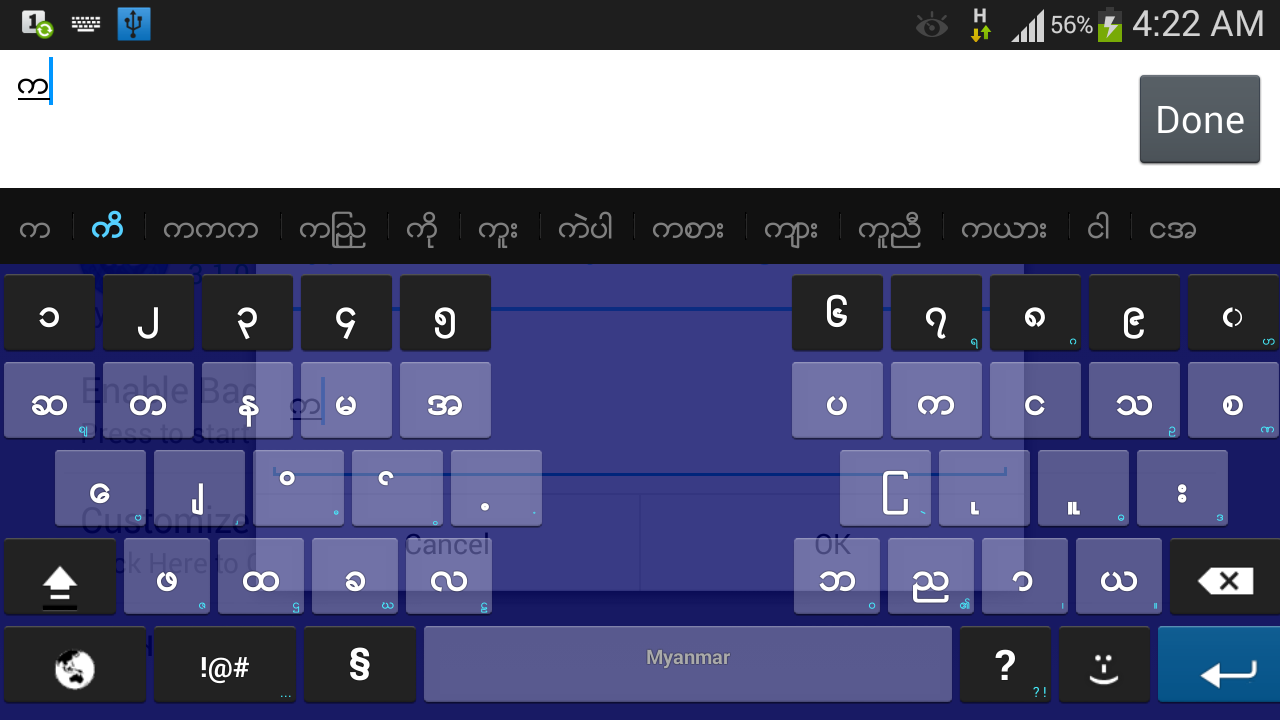
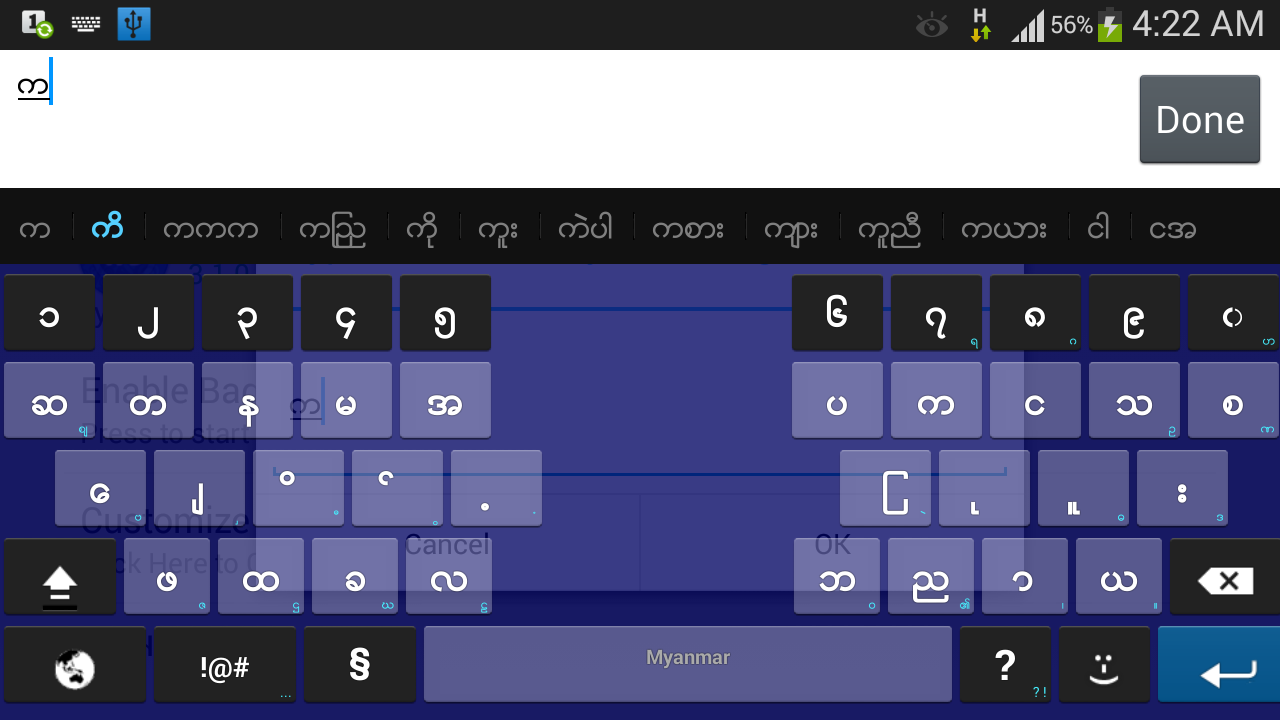
ဖုန္းမွအသံုးရတာအသင့္ေတာ္ဆံုး
Bagan
Keyboardေလးကိုတင္ေပးလိုက္ပါတယ္။လူတိုင္းသံုးဖူးၾကမွာပါ။ကီးဘုတ္ေတြအထဲမွာ
အၾကိဳက္ဆံုးကီးဘုတ္ေလးေပါ့ ေအာက္မွာေဒါင္းယူႏိုင္ပါျပီ
ေက်းဇူးတင္ပါတယ္။
วันจันทร์ที่ 1 กันยายน พ.ศ. 2557
Frozen Keyboard ကိုမိမိ ႀကိဳက္တဲ့ ကိုယ္ပိုင္ ပံုစံ ေျပာင္းၾကမယ္

ဒီနည္းကိုေတာင္းဆိုထားလို႔ ဘာဘီ ေရးထားတာ ၾကာပါၿပီး ဒါေပမယ့္ ဖုန္းပ်က္သြားလို႔ Page နဲ႔ အဆက္သြယ္ျပတ္သလိုျဖစ္သြားတယ္ ဒါေၾကာင့္ေနာက္က်သြားတဲ့အတြက္ေတာင္းပန္ပါတယ္
ဘာဘီမွာ ဖုန္းပဲရိွတဲ့အတြက္ ဖုန္းနဲ႔ လုပ္တဲ့ နည္းကိုပဲ ေျပာျပပါမယ္ ကြန္ပ်ဴတာေတြနဲ႔ လုပ္ႏိုင္ရင္ေတာ့ပိုေကာင္းပါတယ္
ဖုန္းအတြက္လိုအပ္တဲ့ app ေတြ အရင္ေဒါင္းလိုက္ပါ
Root Explorer
ZipSigner
Frozen Keyboard
OR
၁ . Root explorer မွ မိမိ frozenkb ရိွတဲ့ေနရာကို သြားလိုက္ပါ
၂ . အဲ apk ကို rename ကိုႏိွပ္ၿပီး ေနာက္က .zip ဟုအပိုေပါင္းထည့္ေပးလိုက္ပါ
၃ . zip folder ျဖစ္သြားပါမည္ အမွန္ျခစ္ၿပီး extract all လုပ္လိုက္ပါ
၄ . ၿပီးသြားရင္ ဒီလိုေပၚလာပါမယ္ Go To Extract ကိုႏိွပ္လိုက္ပါ
၅ . frozenkb.apk ဆိုတဲ့ folder တစ္ခုေတြ႕ပါမယ္ အဲဒီ folder ထဲ၀င္လိုက္ပါ
၆ . ၿပီးရင္ res >>> drawable-mdpi
ထိ၀င္လိုက္ပါ
၇ . btn_keyboard_key_normal.9.png
ဆိုတဲ့ ပံုကို႐ွာလိုက္ပါ
၈ . ၿပီးရင္ အဲဒီ ပံု size အတိုင္း photo eidit တစ္ခုခု နဲ႔ မိမိလိုခ်င္တဲ့ပံုတစ္ခု လုပ္လိုက္ပါ
၉ . drawable-mdpi ထဲကို သြားၿပီး
btn_keyboard_key_normal.9.png
ဆိုတဲ့ မူရငး္ပံုကိုဖ်က္ၿပီး မိမိ လုပ္ထားတဲ့ ပံုနဲ႔ အစားထိုးလိုက္ပါ အစားထိုးတဲ့ ပံုကို ဖ်က္လိုက္တဲ့ပံုရဲနာမည္ပဲေပးရပါမယ္
၁၀ . frozenkb.apk ဆိုတဲ့ folder ကို အမွန္ျခစ္ၿပီး zip this folder ႏိွပ္လိုက္ပါ
၁၁ . ၿပီးရင္ Go to zip ကိုႏွိပ္လိုက္ပါ frozenkb.apk.zip ဆိုၿပီး zip ဖိုင္တစ္ခုေတြ႕ပါမယ္ root explorer မွ home ကိုႏိွပ္ၿပီးထြက္လိုက္ပါ
၁၂ . ZipSigner ထဲ၀င္ၿပီး choose in/out ဆိုတာႏိွပ္လိုက္ပါ Speedsoftware>>>Archives ထိသြားလိုက္ပါ ခုနက လုပ္ခဲ့တဲ့ zip ဖိုင္ေတြ႕ပါမယ္ ႏိွပ္လိုက္ပါ
၁၃ . ၿပီးရင္ sign the file ကိုထပ္ႏိွပ္ၿပီးခဏေစာင့္ပါ ၿပီးရင္ထြက္လိုက္ပါ
၁၄ . ၿပီးရင္ Root Explorer ထဲျပန္၀င္ပါ ခုနက ေနရာမွာ signed ပါတဲ့ zip ဖိုင္တစ္ခု ထပ္ေတြ႕ ပါမယ္
၁၅ . rename ကိုႏိွပ္ၿပီး frozen.apk ဟုေပးလိုက္ပါ
၁၆ . ဒါဆို frozen icon နဲ႔ apk တစ္ခုျဖစ္သြာပါၿပီး install လုပ္လိုက္ပါ
ၿပိးရင္ စာ႐ိုက္မယ့္ေနရာတစ္ခုဖြင့္လိုက္ပါ ခုနက လုပ္လိုက္တဲ့ theme ေျပာင္းသြားပါၿပီ


วันอังคารที่ 11 มีนาคม พ.ศ. 2557
ANDROID အတြက္ လက္ေရးနဲ ့စာရိုက္လို ့ရမဲ ့ ျမန္မာ INPUT METHOD

====================================
Android ဖုန္းေတြအတြက္ ျမန္မာစာကုိ ကီးဘုတ္မွာမရုိက္ဘဲScreen ေပၚမွာ
ျမန္မာအကၡရာကုိ လက္ေရးနဲ႕ေရးလုိက္ရုံနဲ႕ စာရုိက္နုိင္မယ့္ Myanmar
Input
Method for Android ကုိတင္ေပးလုိက္ပါတယ္။
Myanmar Keyboard for Android အားရယူရန္
http://www60.zippyshare.com/v/42144426/file.html
Myanmar Font for Android အားရယူရန္
http://www35.zippyshare.com/v/4779031/file.html
======================================
ref ; than toe aung
special thank MMAS
วันจันทร์ที่ 16 ธันวาคม พ.ศ. 2556
BANGAN KEYBOARD 3.8.1(CRACK VERSION)

မဂၤလာပါဗ်ာ..... ဒီေန.ေတာ့ Bangan Keyboard version 3.8.1 ေလး crack ထြက္လာတာေၾကာင့္တင္ေပးလိုက္ပါတယ္ ... crack version ျဖစ္တာေၾကာင့္ အျမဲတမ္းသံုးလို.ရမွာျဖစ္ပါတယ္ ၀ယ္ဖို.အဆင္မေျပသူ ျပည္ပမွာေနထိုင္သူမ်ားအတြက္ ရည္ရြယ္ျပီးတင္ေပးလိုက္တာျဖစ္ပါတယ္ လိုခ်င္သူမ်ားေအာက္ အဆင္ေျပတဲ့လင့္တစ္ခု မွာေဒါင္းယူနိုင္ပါျပီ cracker ကေတာ့ myanmar cracking team မွ အကိုတစ္ေယာက္ျဖစ္ပါတယ္ အားလံုးပဲအဆင္ေျပပါေစဗ်ာ........
credit to - myanmaryouth.co.vu
วันพฤหัสบดีที่ 14 พฤศจิกายน พ.ศ. 2556
Android ဖုန္းေတြအတြက္ ျမန္မာကီးဘုတ္ အသစ္ထြက္ရွိ

အဆင္ေျပပါေစ။
သတိထားရန္
Sulfur’s Keyboard ရဲ ့ Setting ထဲက input language ဆိုတာကို သြားမႏွိပ္ၾက
နဲ ့ေနာ္။ျမန္မာကီးဘုတ္ ေျပာင္းမရပဲျဖစ္သြားမယ္။တကယ္လို ့ input language
ကိုႏွိပ္မိလို ့ ျမန္မာကီးဘုတ္ ေျပာင္းမရ ဘူးဆိုရင္ ဖုန္းရဲ ့
Setting ထဲကApplication ထဲက Sulfur’s Keyboardကိုဝင္လိုက္။ပီးရင္ Clear
Data လုပ္ေပးလိုက္။ဒါဆို ျမန္မာကီးဘုတ္ ျပန္
ေျပာင္းလို ့ရသြားပါလိမ့္မယ္
ကီးဘုတ္ကို English-Myanmar ေျပာင္းခ်င္ရင္Space Bar ကိုဖိျပီး ဘယ္ညာ ပြတ္ဆြဲရံုနဲ ့ Keyboard ေျပာင္းႏုိင္ပါတယ္

Keyboard Setting ပါ။ဒီ Setting ကေန တစ္ဆင့္ Keyboard Theme ေတြေျပာင္းလို ့ရပါတယ္။

Jelly Bean Fix ဆိုတာကို on ထားပါ။

Credit: Soe Minn Minn (Keyboard), Khit TaMhine (MMAS)
วันอังคารที่ 8 ตุลาคม พ.ศ. 2556
ေကာ့ခပို frozen keyboard ထည့္သံုးနည္း
မဂၤလာပါ ဒီလိုမ်ိဳး ေဇာ္ဂ်ီေဖာင့္ + ျမန္မာကီးဘုတ္ font changer သြင္းထားတဲ႔သူငယ္ခ်င္းေတြ
ေကာ့ခပို frozen ကီးဘုတ္သြင္းလို႔မရျဖစ္တတ္ပါတယ္ Root_Explorer သံုးပီး frozen အေဟာင္း
ကိုဝင္ဖ်က္ရမွာျဖစ္ပါတယ္ >>>Root_Explorer_v3.1.1 ေဒါင္းရန္<<<
ေကာ့ခပို Frozen keyboard >>> ေဒါင္းယူရန္ <<<


วันอาทิตย์ที่ 29 กันยายน พ.ศ. 2556


LinkWithin


 Time in Bangkok
  Yangon (Rangoon)


