


 အာမၢးဒးစိုပ္ ေကတ္မၢးဒးဂြံ ေကၜာန္မၢးဒးဒွ္ဍာံ


အခုတင္ေပးလိုက္တဲ့ Application ေလးကိုေတာ့ ဖုန္းနဲ႕အင္တာနက္အသံုးျပဳသူမ်ား ေဆာင္ထားေစခ်င္ပါ တယ္ဗ်ာ။ အင္တာနက္သံုးျပီး ျပန္မပိတ္မိခဲ့ရင္ အခု Application ေလးက အလိုေလွ်ာက္ပိတ္ေပးမွာျဖစ္ပါ တယ္ဗ်ာ။ ဖိုင္ဆိုဒ္ကလည္း 1MB သာရွိတာမို႕အလြယ္တကူေဒါင္းယူထားႏိုင္ပါတယ္။
စမတ္ဖုန္း အသံုးျပဳသူမ်ား အေနနဲ႔ Mobile Data ကို မပိတ္မိဘဲ အိပ္ေပ်ာ္သြားၾကတဲ့ အျဖစ္ေတြ မၾကာခဏ ျဖစ္ေလ့ရွိပါတယ္။ အဲဒီ ျပသာနာကို ေျဖရွင္းေပးႏိုင္တာက AutoData ဆိုတဲ့ Android App ျဖစ္ပါတယ္။ AutoData က ဖုန္းရဲ႕ Screen ပိတ္သြားၿပီးေနာက္ တစ္မိနစ္၊ ႏွစ္မိနစ္ ဒါမွမဟုတ္ သင္သတ္မွတ္ထားတဲ့ အခ်ိန္ေရာက္ရင္ Mobile Data ကို အလိုလို ပိတ္ေပးမွာပါ။
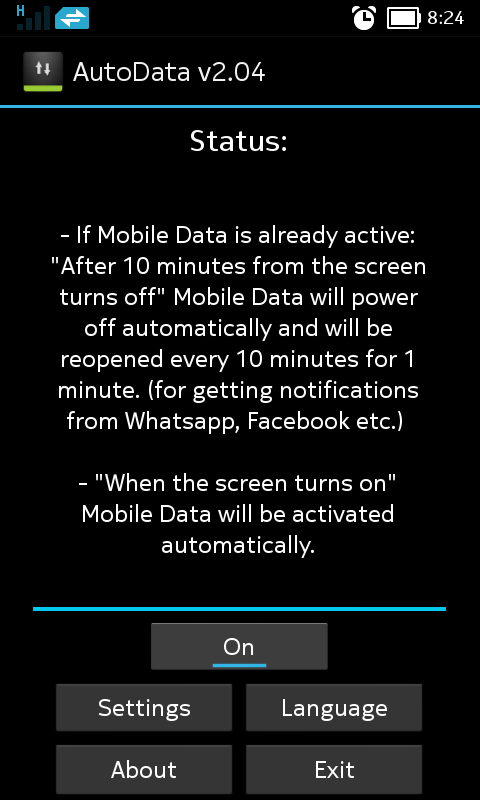
AutoData ကိုဖြင့္ၿပီးရင္ Status ေအာက္မွာ On ဆိုတာကိုေတြ႔ရမွာပါ။ ဒါက AutoData အလုပ္လုပ္ေနၿပီ ဆိုတာ ျပသတာပါ။ App က Status ေအာက္မွာ ရွင္းျပထားတာက Screen ပိတ္လိုက္ၿပီးေနာက္ ဆယ္မိနစ္ၾကာရင္ Mobile Data ကို အလိုလို ပိတ္ေပးမွာပါ။ Whatsapp, Facebook တို႔မွ Notification မ်ားကို ရရွိဖို႔ ၁၅ မိနစ္ၾကာတိုင္း ၁ မိနစ္ Mobile Data ကို ျပန္ဖြင့္မွာ ျဖစ္ပါတယ္။ အဲဒီအခ်ိန္ေတြကို Settings ထဲမွာ သင့္စိတ္ႀကိဳက္သတ္မွတ္ႏိုင္ပါတယ္။
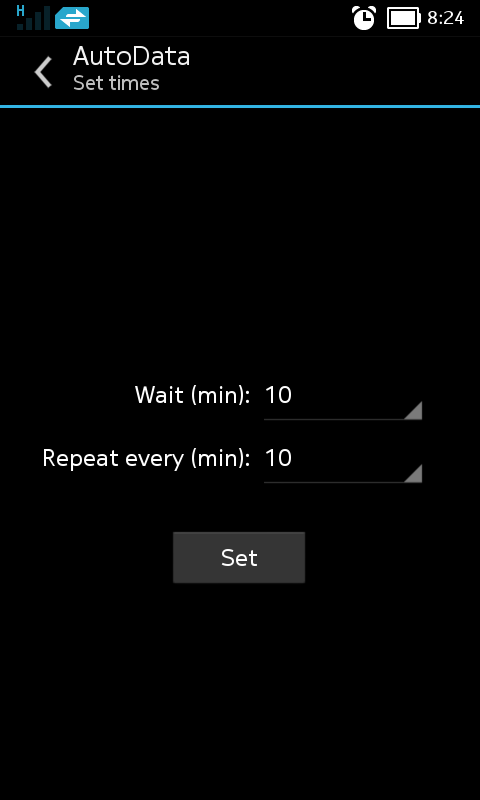
Settings ကိုႏွိ္ပ္ပါ။ Wait မွာ Screen ပိတ္ၿပီးေနာက္ အခ်ိန္ဘယ္ေလာက္ၾကာရင္ Mobile Data ကို ပိတ္မလဲ သတ္မွတ္ပါ။ Repete every မွာ အျခား Apps မ်ားမွ Notification မ်ားရရွိဖို႔ Mobile Data ကို အခ်ိန္ ဘယ္ေလာက္ၾကာတိုင္း ျပန္ဖြင့္မလဲဆိုတာ သတ္မွတ္ပါ။ ၿပီးရင္ Set ကိုႏွိပ္ၿပီး Close ကိုႏွိပ္ပါ။
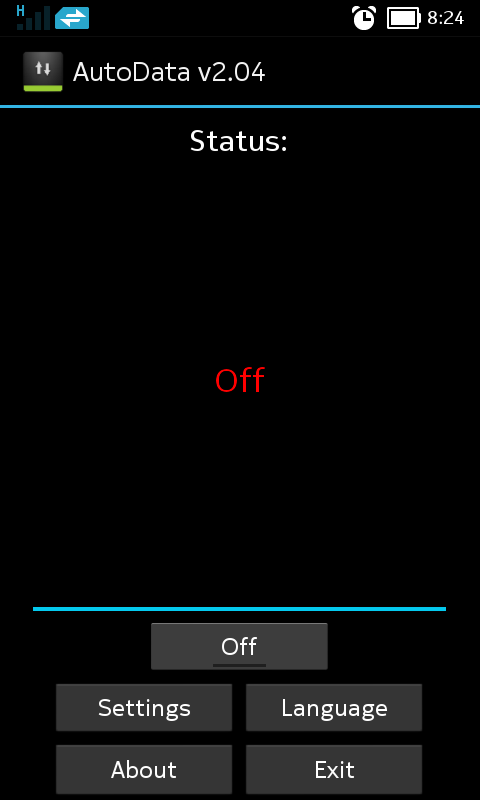
AutoData ကို အသံုးမျပဳခ်င္ရင္ App ရဲ႕ Home Screen မွာ Off လုပ္ေပးပါ။
AutoData ဟာ Mobile Data ပိတ္ဖို႔ ေမ့တတ္သူမ်ားကို ကူညီေပးႏုိင္တဲ့ App တစ္ခုျဖစ္ပါတယ္။ AutoData ကို Android 4.0 နဲ႔ သူ႔အထက္မွာ အသံုးျပဳႏိုင္ပါတယ္။
စမတ္ဖုန္း အသံုးျပဳသူမ်ား အေနနဲ႔ Mobile Data ကို မပိတ္မိဘဲ အိပ္ေပ်ာ္သြားၾကတဲ့ အျဖစ္ေတြ မၾကာခဏ ျဖစ္ေလ့ရွိပါတယ္။ အဲဒီ ျပသာနာကို ေျဖရွင္းေပးႏိုင္တာက AutoData ဆိုတဲ့ Android App ျဖစ္ပါတယ္။ AutoData က ဖုန္းရဲ႕ Screen ပိတ္သြားၿပီးေနာက္ တစ္မိနစ္၊ ႏွစ္မိနစ္ ဒါမွမဟုတ္ သင္သတ္မွတ္ထားတဲ့ အခ်ိန္ေရာက္ရင္ Mobile Data ကို အလိုလို ပိတ္ေပးမွာပါ။
AutoData ကိုဖြင့္ၿပီးရင္ Status ေအာက္မွာ On ဆိုတာကိုေတြ႔ရမွာပါ။ ဒါက AutoData အလုပ္လုပ္ေနၿပီ ဆိုတာ ျပသတာပါ။ App က Status ေအာက္မွာ ရွင္းျပထားတာက Screen ပိတ္လိုက္ၿပီးေနာက္ ဆယ္မိနစ္ၾကာရင္ Mobile Data ကို အလိုလို ပိတ္ေပးမွာပါ။ Whatsapp, Facebook တို႔မွ Notification မ်ားကို ရရွိဖို႔ ၁၅ မိနစ္ၾကာတိုင္း ၁ မိနစ္ Mobile Data ကို ျပန္ဖြင့္မွာ ျဖစ္ပါတယ္။ အဲဒီအခ်ိန္ေတြကို Settings ထဲမွာ သင့္စိတ္ႀကိဳက္သတ္မွတ္ႏိုင္ပါတယ္။
Settings ကိုႏွိ္ပ္ပါ။ Wait မွာ Screen ပိတ္ၿပီးေနာက္ အခ်ိန္ဘယ္ေလာက္ၾကာရင္ Mobile Data ကို ပိတ္မလဲ သတ္မွတ္ပါ။ Repete every မွာ အျခား Apps မ်ားမွ Notification မ်ားရရွိဖို႔ Mobile Data ကို အခ်ိန္ ဘယ္ေလာက္ၾကာတိုင္း ျပန္ဖြင့္မလဲဆိုတာ သတ္မွတ္ပါ။ ၿပီးရင္ Set ကိုႏွိပ္ၿပီး Close ကိုႏွိပ္ပါ။
AutoData ကို အသံုးမျပဳခ်င္ရင္ App ရဲ႕ Home Screen မွာ Off လုပ္ေပးပါ။
AutoData ဟာ Mobile Data ပိတ္ဖို႔ ေမ့တတ္သူမ်ားကို ကူညီေပးႏုိင္တဲ့ App တစ္ခုျဖစ္ပါတယ္။ AutoData ကို Android 4.0 နဲ႔ သူ႔အထက္မွာ အသံုးျပဳႏိုင္ပါတယ္။
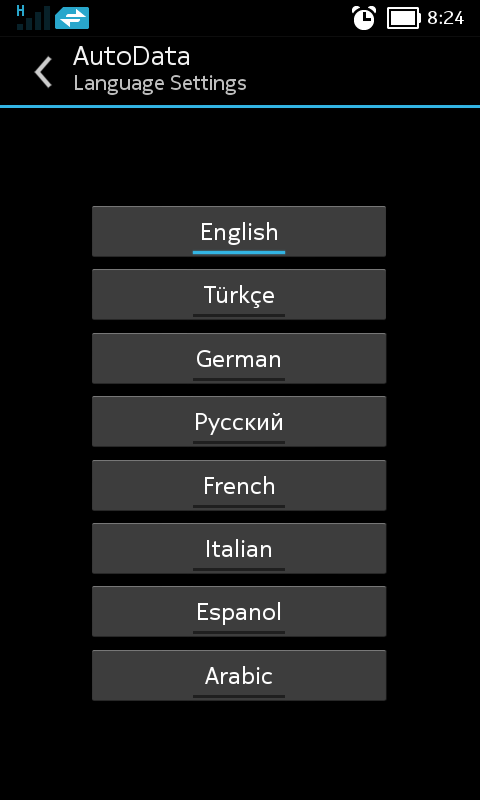
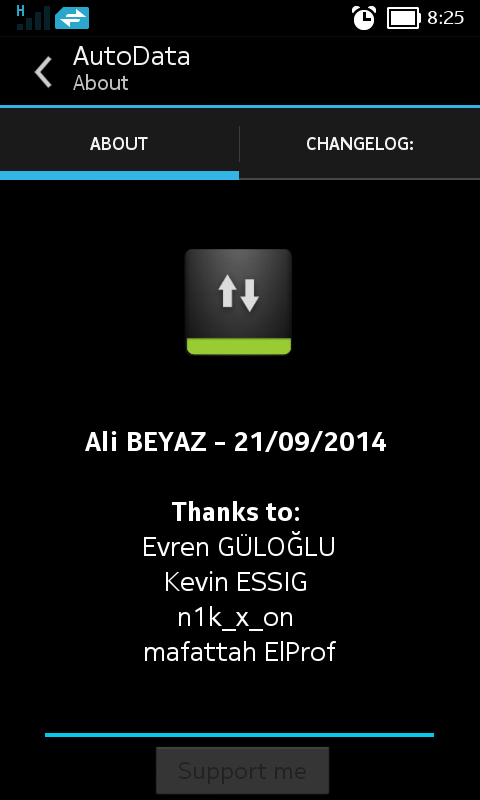
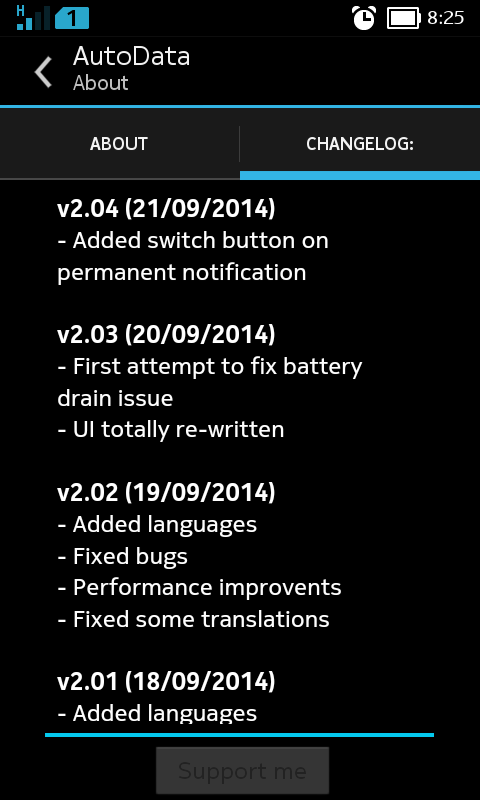
** Step-1.ေအာက္က Download Button ကိုႏွိပ္လိုက္ပါ
** Step-2. "5sec". ေလာက္ေစာင္႕ေပးပါ။
** Step-3. " << SKIP AD >> ".ကိုႏွိပ္ေပးပါ။
** Step-4. Download Link က်လာပါလိမ္႕မယ္။
** အဆင္ေျပပါေစဗ်ာ။


 Time in Bangkok
  Yangon (Rangoon)


